Application Features
Explore the specialized tools designed to streamline your video pipeline.
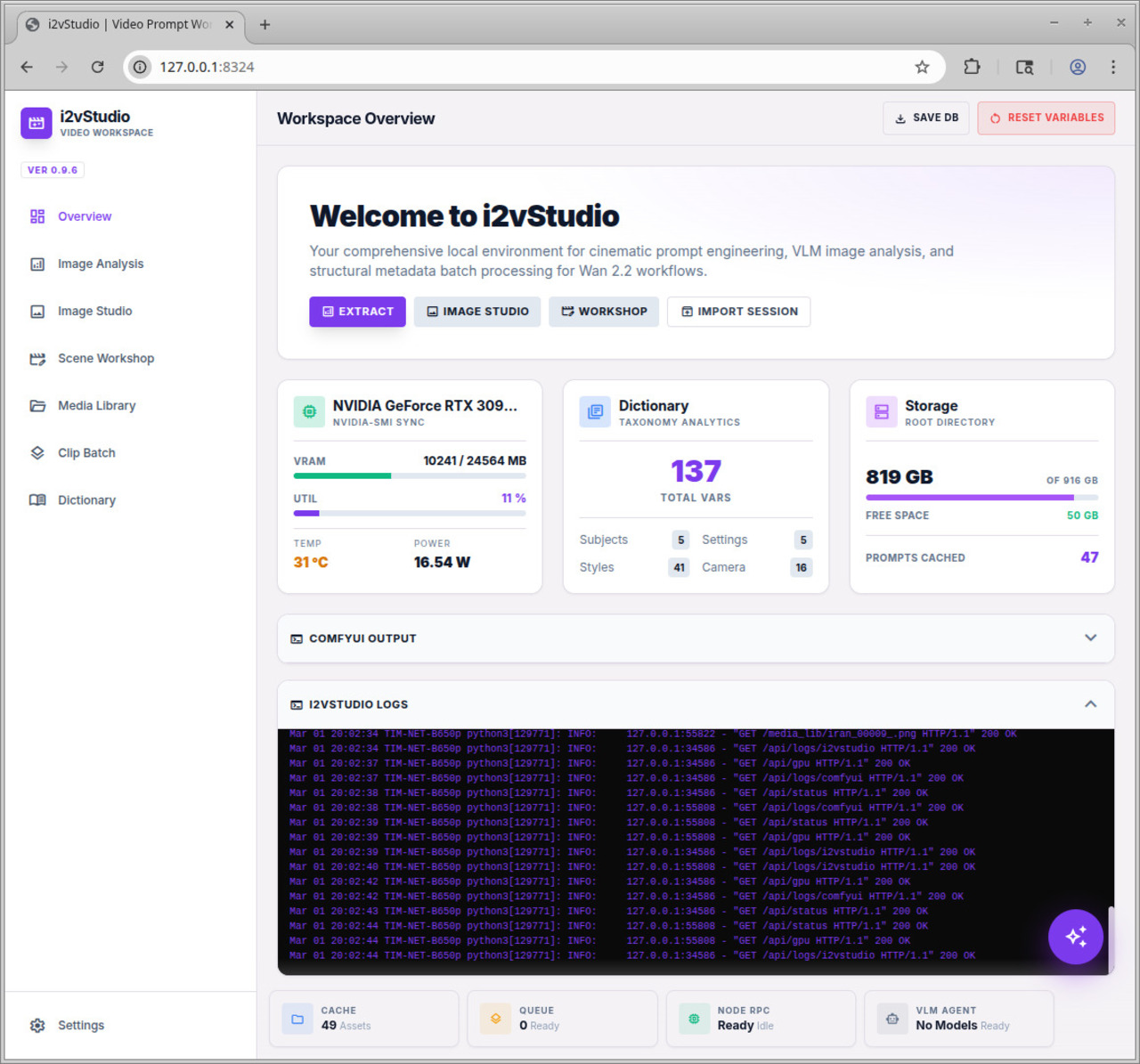
Dashboard & Telemetry
Gain complete visibility over your local hardware and node states. Real-time Nvidia-SMI GPU polling prevents OOM errors, while directory monitoring tracks your exact asset cache size.
- check_circle Live ComfyUI Queue Polling
- check_circle Real-time Output terminal logs
- check_circle VRAM & Temp Monitoring
VLM Image Analysis
Drop in any reference picture to reverse-engineer its cinematic properties. Using local Vision Models (like LLaVA), the app autonomously extracts themes, visual styles, lighting, and camera language directly into your taxonomy database.
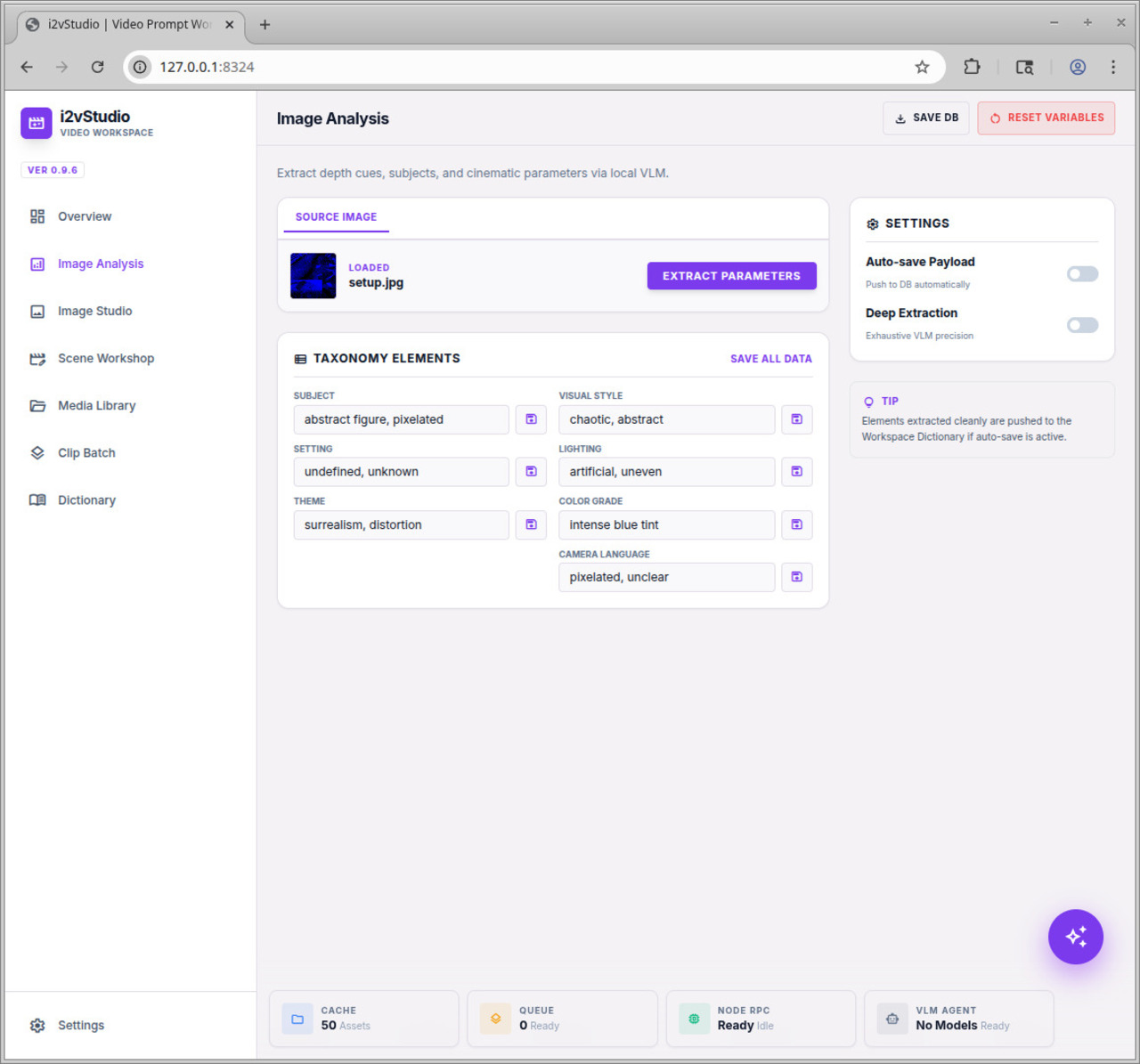
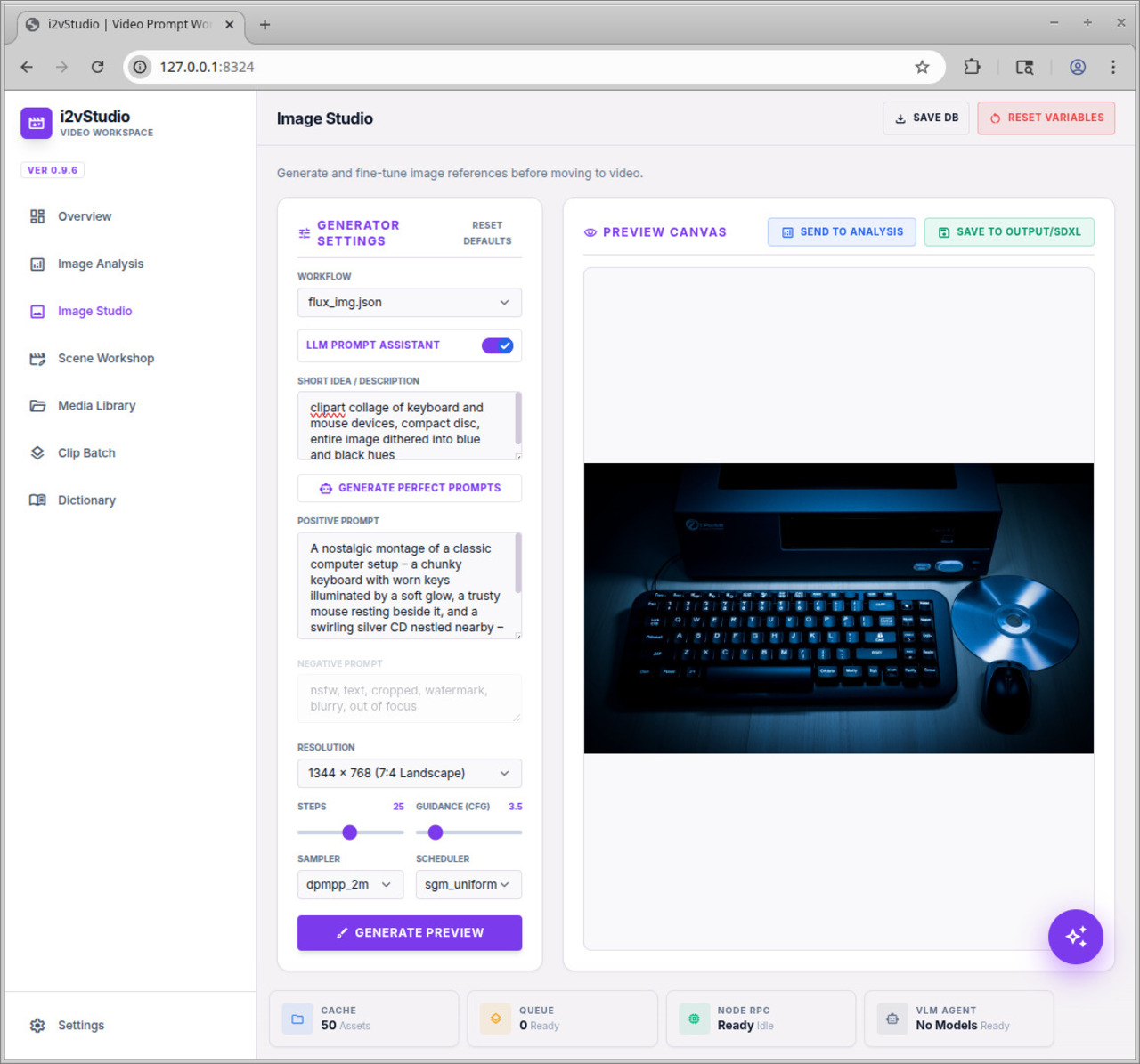
Image Studio
Need a custom starting frame? Use the Image Studio to prompt SDXL or FLUX workflows dynamically. Enable the LLM Assistant to convert short ideas into highly detailed, prompt-engineered structures before generating and saving to your ComfyUI output.
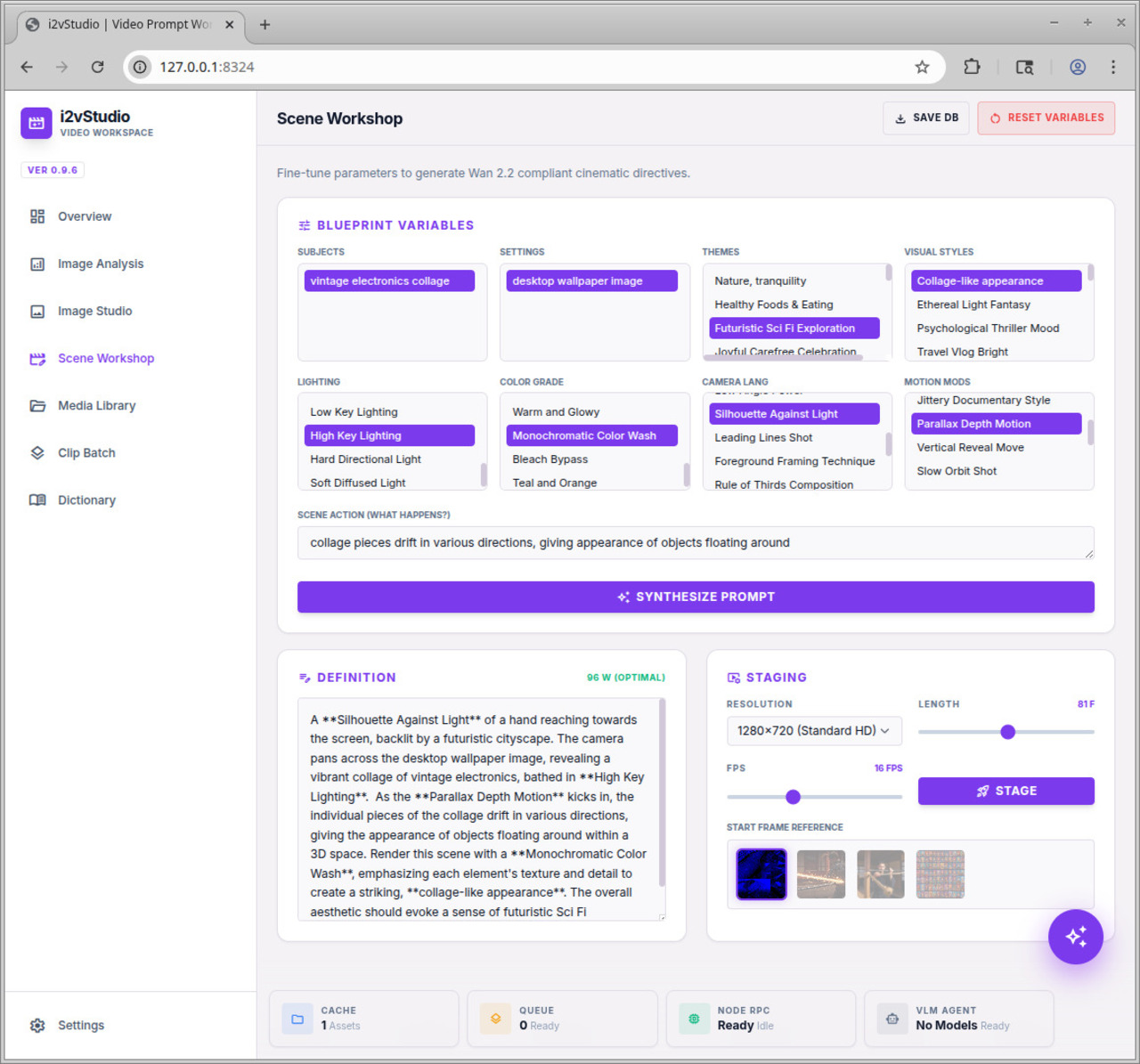
Scene Workshop
Select your saved elements to synthesize the ultimate Wan 2.2 generative prompt (targeting the optimal 80-120 word count). Adjust frame length, FPS, and target resolutions, then stage the sequence into your pending batch queue.
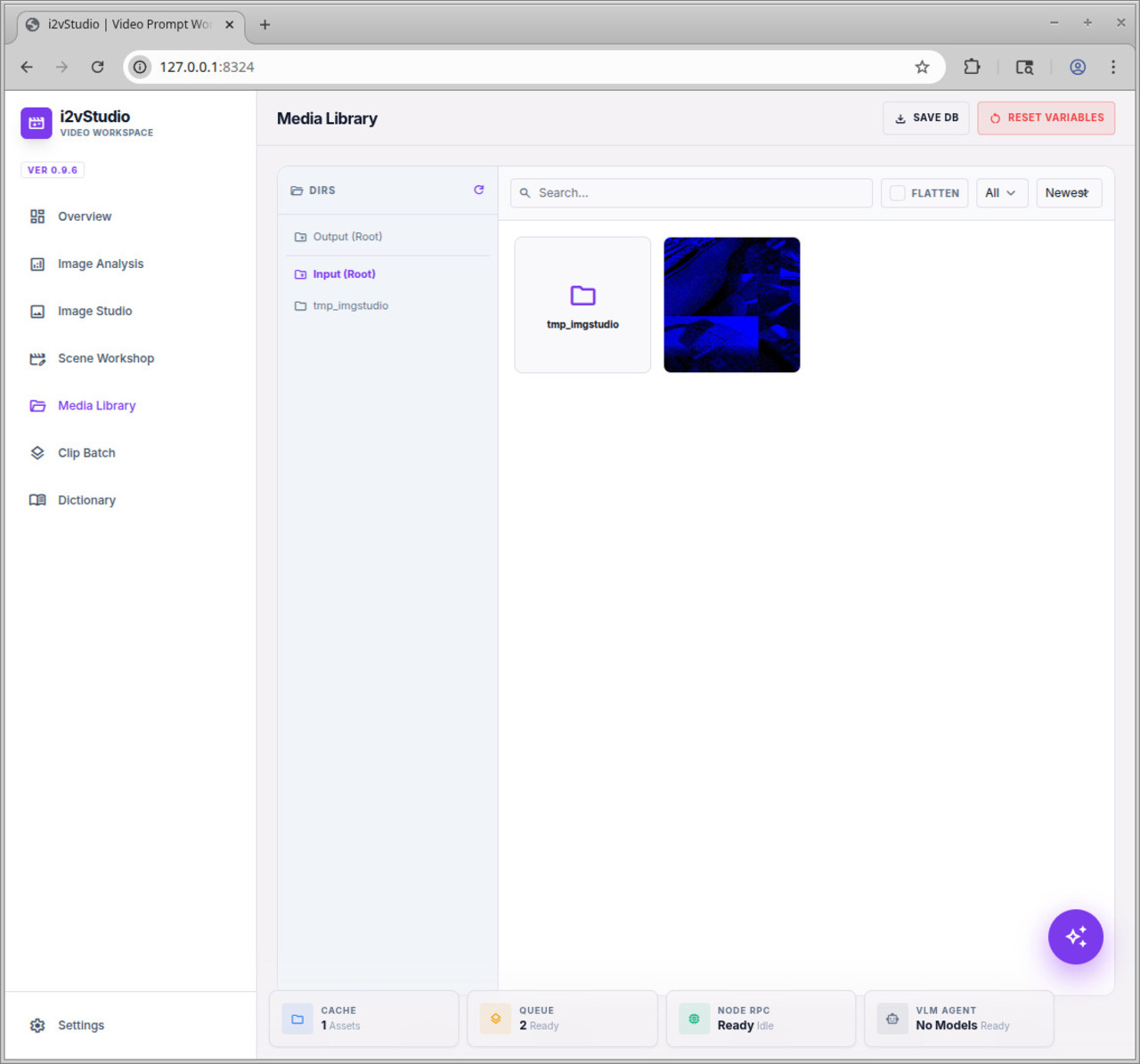
Media Library
A built-in file manager connected directly to ComfyUI's /input/ and /output/ directories. Toggle "Flatten" view to see all images deeply nested in subdirectories. Instantly copy outputs back into inputs for looping workflows.
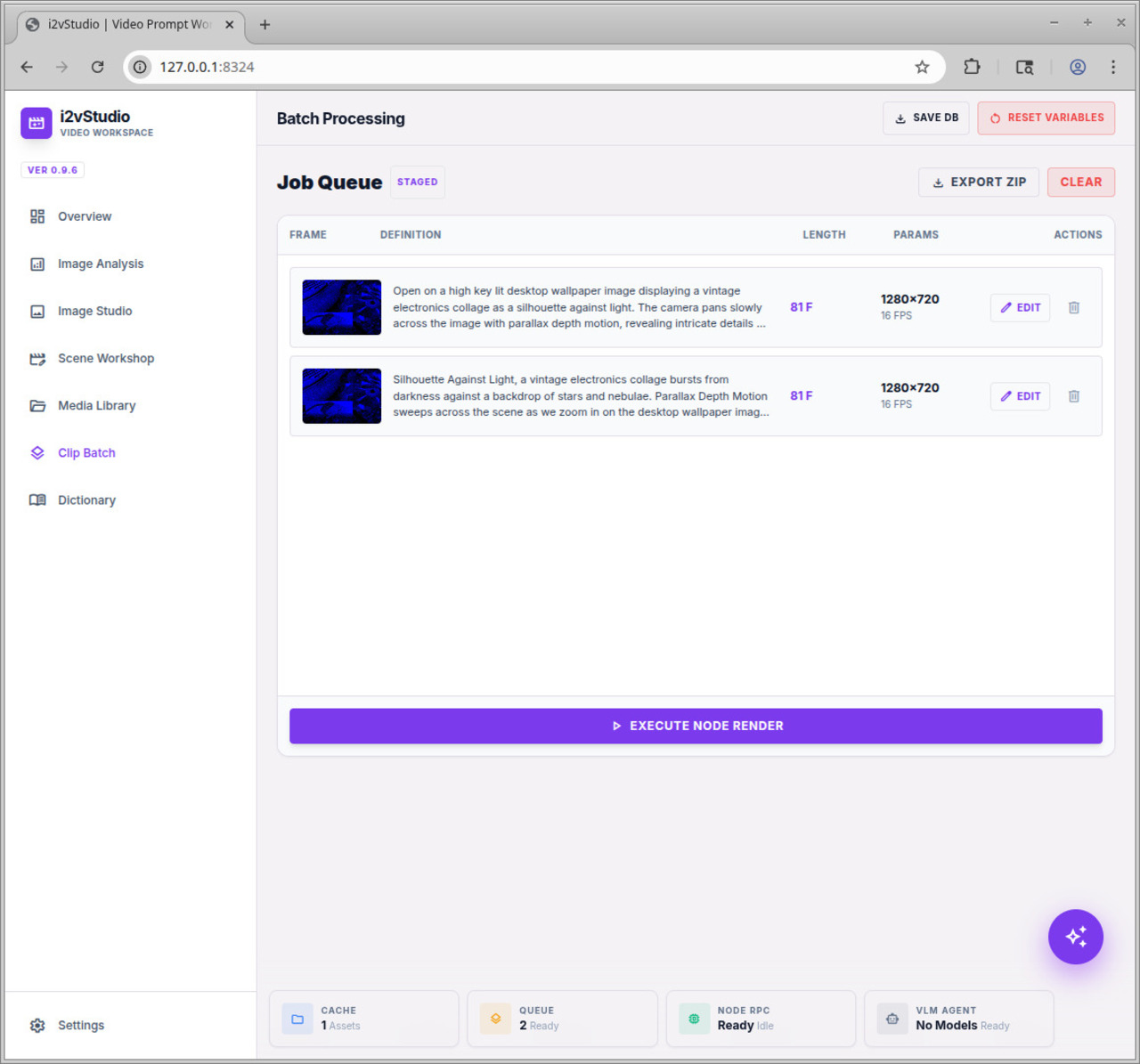
Clip Batching
Review your queued definitions. When ready, click execute to push the entire JSON array to ComfyUI seamlessly. Want to share your workload? Export the queue as a ZIP archive containing all modified JSON workflows and their required start frames, ready for import on any other node.
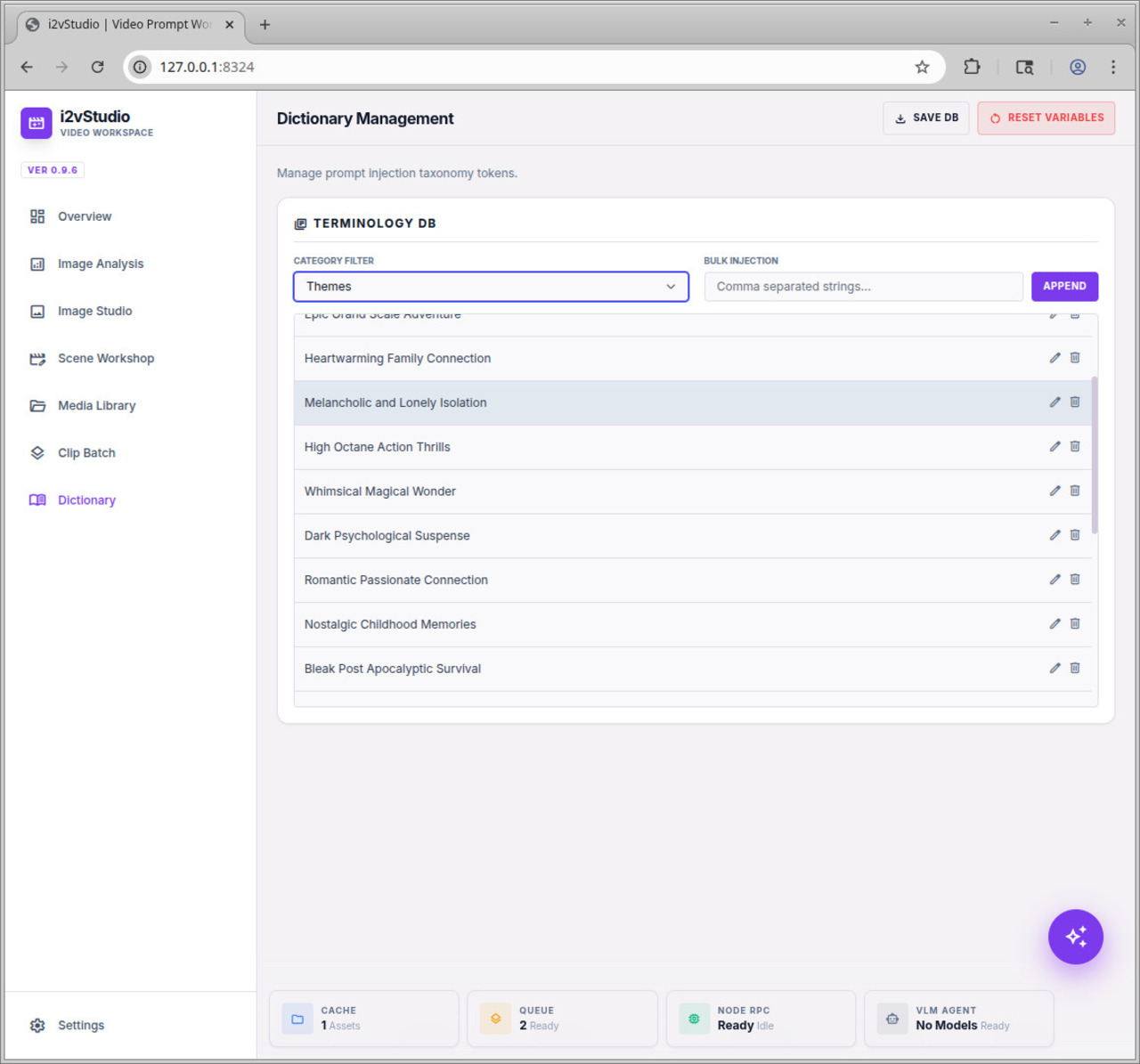
Dictionary Manager
Manage the taxonomy of your prompt elements. Easily bulk-inject CSV lists of Camera Moves, Lighting adjustments, and Visual Styles. Edit or delete elements to keep your workshop environment uncluttered.
Agent Orchestrator
A floating AI Assistant lives in the corner of your workspace. Tell it to "make a sci-fi video of a robot," and the agent will intelligently formulate a multi-step JSON plan—rendering the image, moving it to your inputs, and staging the final video queue entirely autonomously.